 Português
 English
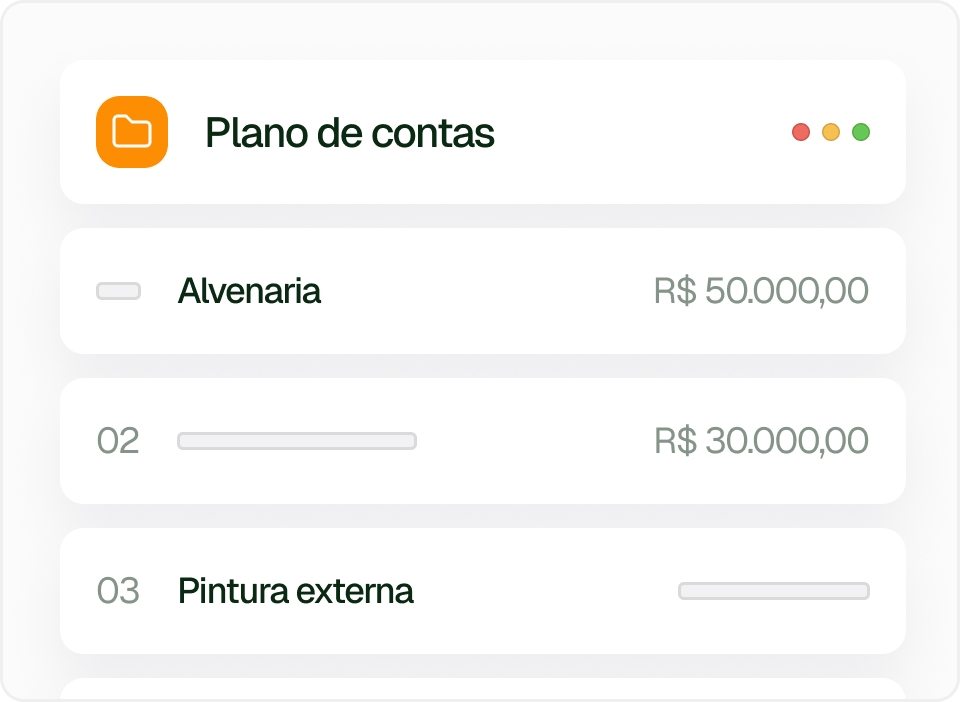

Budget control
The team structures the project financially. It defines charts of accounts, quotes materials with suppliers and gets everything ready before execution starts.

A financial management platform that centralizes budget, materials and suppliers for construction projects in one place.

Brazil
Location

Product Designer
Role

2024 - 2025
Date


Grana is a financial management SaaS for construction sites, built for Brazilian builders that still rely on spreadsheets to control budget. The platform centralizes materials, equipment, services and suppliers in a single dashboard, giving full visibility over the cost of every stage of a project before it even starts, and eliminating the rework of keeping everything scattered across loose spreadsheets.
WHAT IT IS
Large construction projects have a financial complexity that spreadsheets could never handle.
Grana fills that gap, centralizing in a single platform everything that used to be scattered, outdated or simply didn't exist.

Creates a project

Builds the budget

Buys materials

Logs arrivals

Financial control
BEFORE
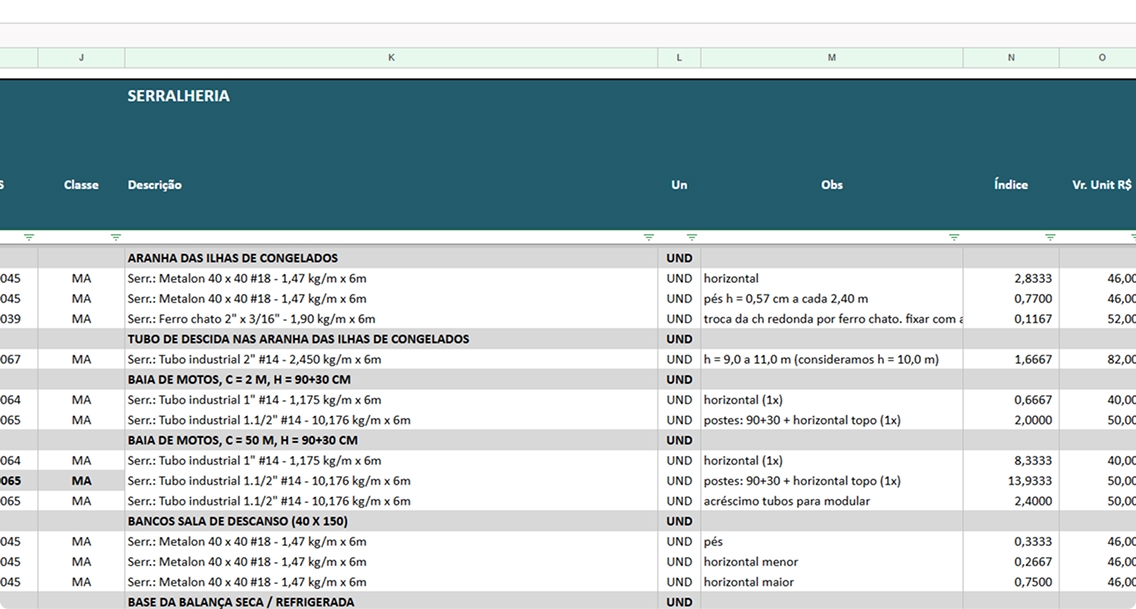
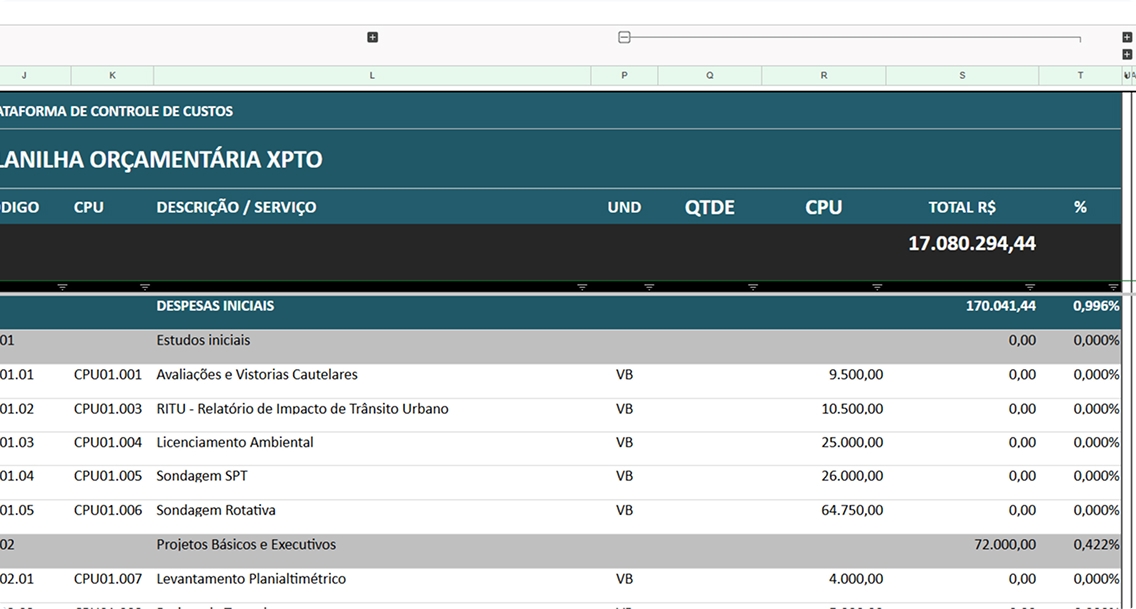
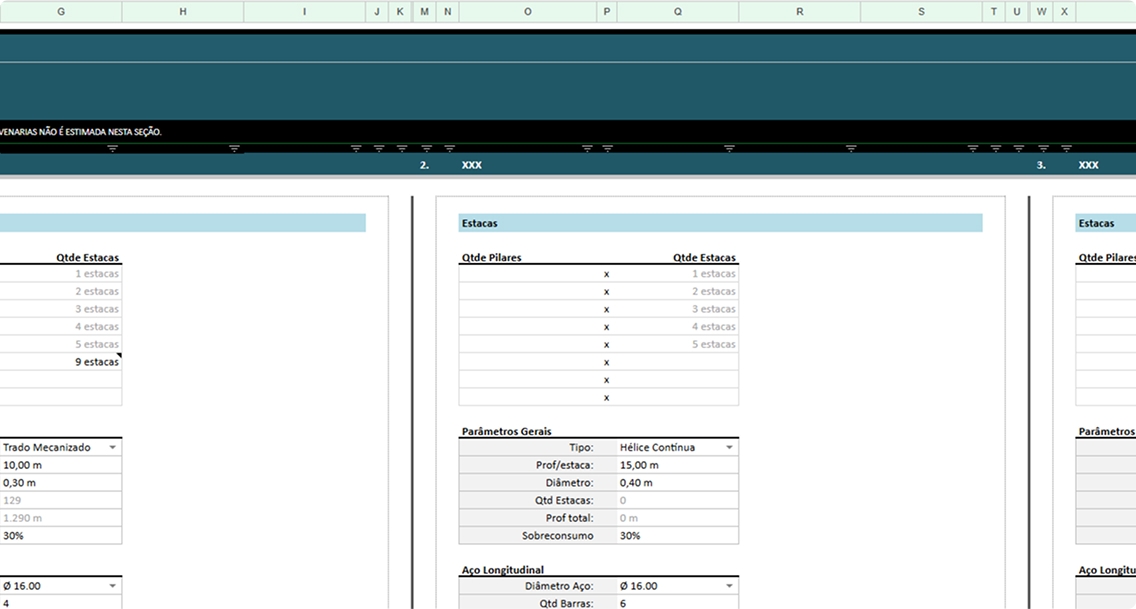
Engineers managed everything in Excel spreadsheets.
The whole project was held hostage by loose documents. We needed to centralize everything in a single management platform.
CHALLENGES
Large construction projects have a financial complexity that spreadsheets could never handle. Grana fills that gap, centralizing everything in one platform.
Budget control
The team structures the project financially. It defines charts of accounts, quotes materials with suppliers and gets everything ready before execution starts.
Financial progress
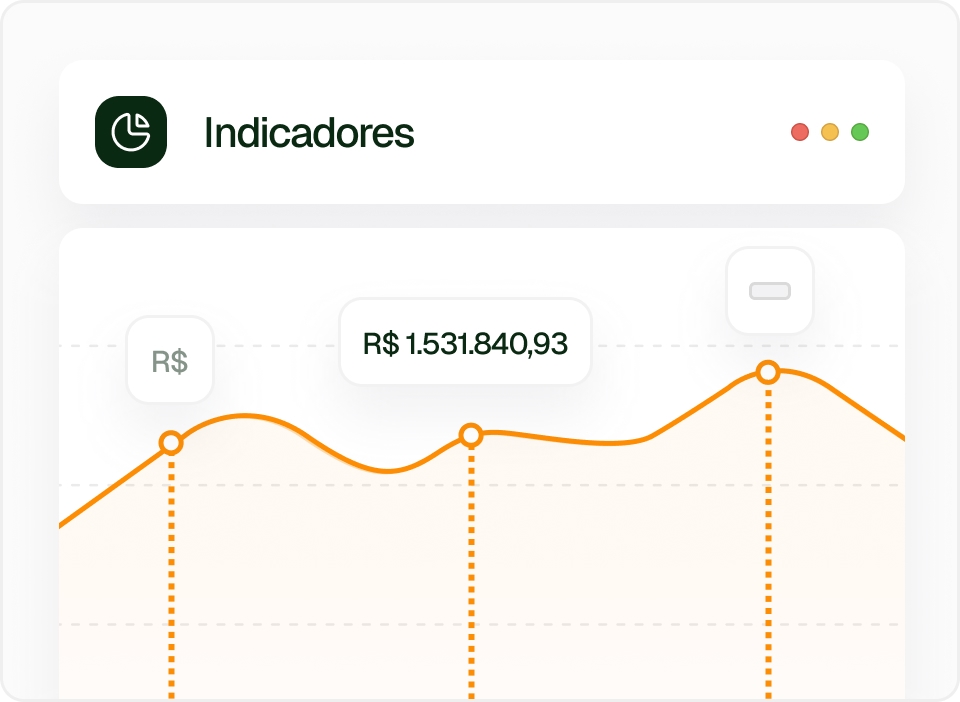
The office analyzes requisitions from the field, compares quotes and approves purchases — with automatic best-price indication.
Data entry
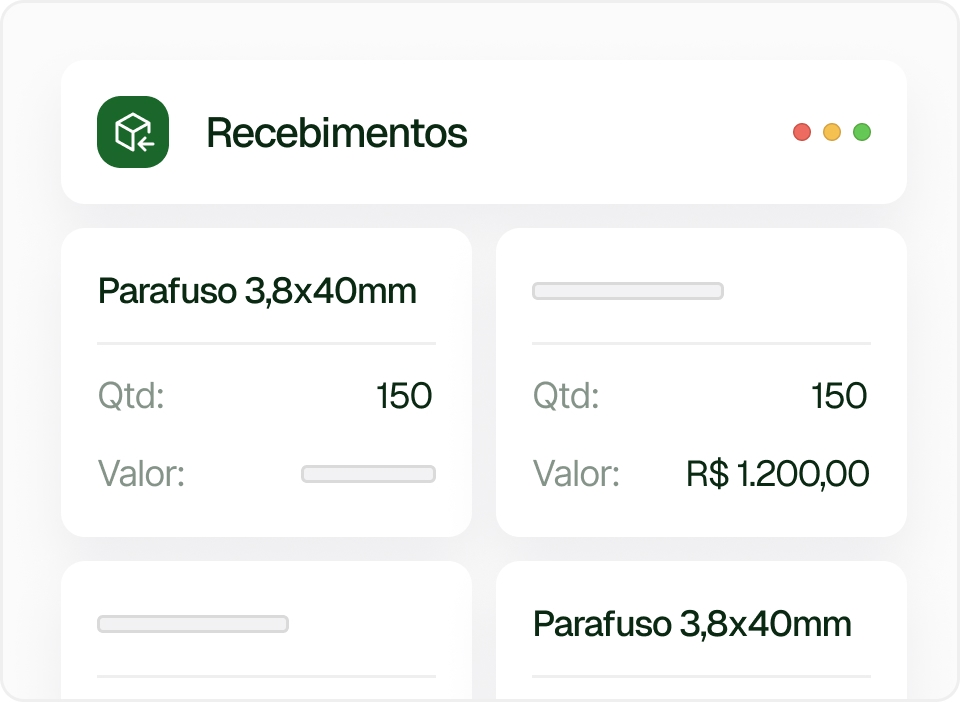
The operator logs requisitions for what's needed on site — materials, equipment and services — straight from the field, in real time.
PROCESS
01
Product discovery
Sessions with the client and engineers to understand the business rules and the domain before any design decision.

02
Persona definition
Mapping the user profiles. Their contexts, needs and access levels inside the platform.

03
Initial ideation
Exploring solutions for the challenges, focused on simplifying complex flows without losing functionality.

04
Architecture and scope
Defining the system modules and how they connect, making sure the structure could hold the complexity.

05
Wireframes
Validating the interface reasoning with the client before any investment in the visuals.

06
Visual Design
Building the final screens with a component system that's consistent across every module and platform.

07
Documentation and handoff
Specifications, flows and components documented to keep fidelity during the development handoff.

CONCLUSION

Rafaela Torres
Engineer
She follows the project closely, approves field records and makes sure everything is executed as planned.
Spot budget overruns before they happen
Access critical information quickly and precisely

Jorge Almeida
Field operator
He's on site, logging in real time everything that's needed and everything that arrives: materials, equipment, services and invoices.
Log field information quickly and simply
Do it without needing long training

Patrícia Nunes
Manager
She tracks financial progress, compares budgeted vs. actual and anticipates cost overruns before they become a problem.
Compare budgeted vs. actual without cross-checking spreadsheets
Anticipate financial risks before they impact the project

Eduardo Costa
Investor
He follows overall progress with an executive view, without needing to dive into details to understand what's happening.
Have a clear executive view of the project's progress
Understand the financial status without digging into operations
The main pains were always:

Slow to start new projects
Every project started from scratch, without reusing anything already set up in previous projects.

Costs scattered across spreadsheets
Every stage, every supplier, every material lived in a different spreadsheet, with no connection between them.

Manual quoting
Comparing supplier prices meant opening one quote at a time, all by hand.

Slow record approval
Validating what arrived on site depended on paper and manual follow-up, stalling the flow and delaying processes.

Fragmented purchase flow
Requesting, quoting, buying and receiving were disconnected steps, with no tracking between them.

Slow, manual reporting
Putting together a status report meant manually gathering data from different sources, every time.
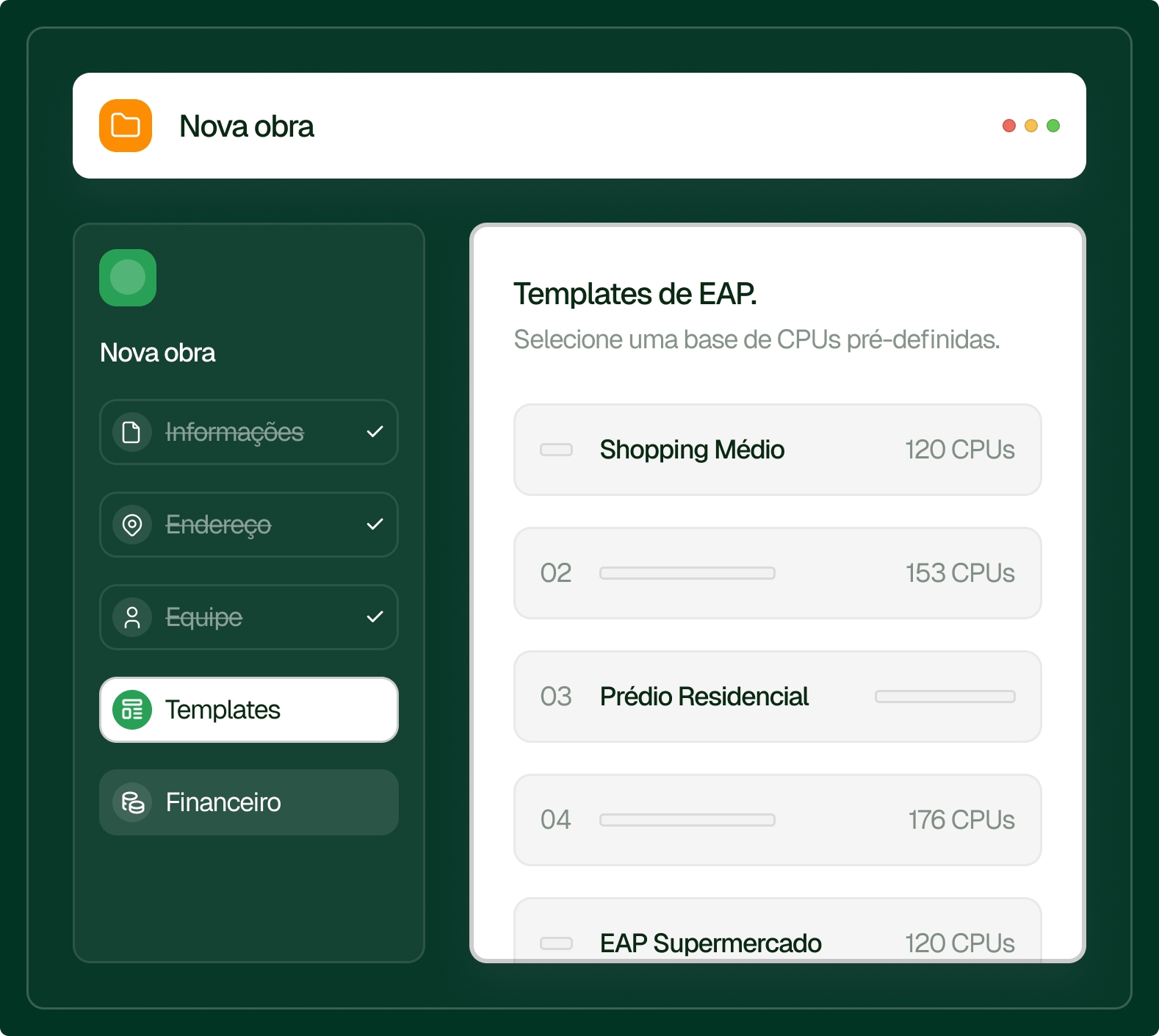
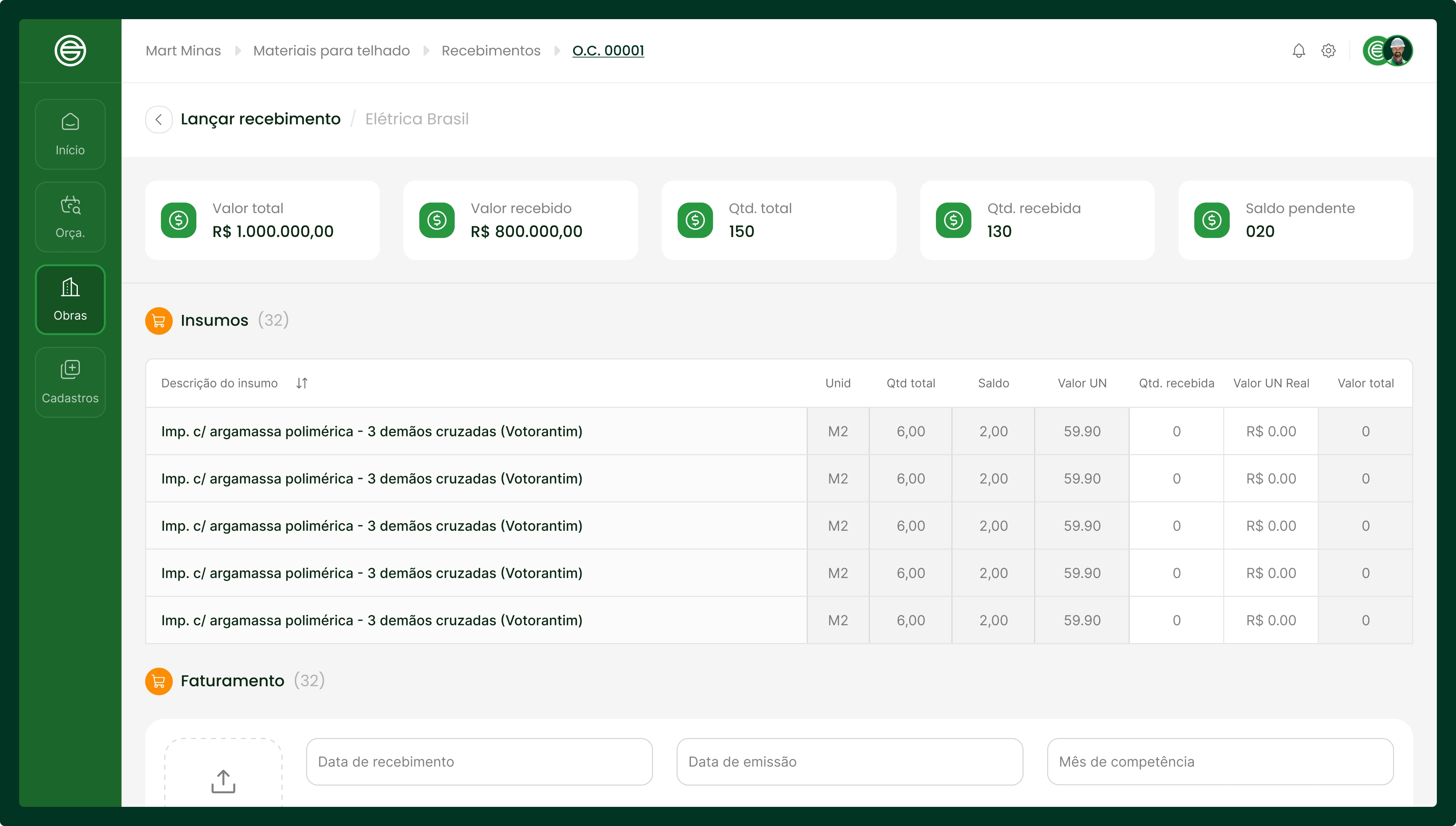
One of the central decisions was creating the concept of CPUs and WBS. Everything is registered once and stays available for future projects.
A new project that used to require days of setup and review is now ready in minutes. Ready to start.
For 1 meter of wall, you need this much brick, cement and labor. The CPU is the ready-made recipe. For 50 meters, you just multiply.
Before, each step of the purchase lived in isolation: requesting, quoting, buying and receiving were disconnected steps with no tracking between them.
Now, a request generates the quote, the quote becomes a purchase, and the purchase is checked at receiving. All in the same record.
Nothing gets lost between requesting and receiving. What was ordered is what arrives, and the system knows it the whole time.
For every expense logged, Grana automatically compares it against what was budgeted for that stage, per stage or for the whole project.
The deviation shows up as soon as it starts, not at month-end close, when it has already become a loss.
Budgeted and actual side by side, all the time. No waiting for the month-end report to find the hole.
The field operator logs the arrival of materials, equipment and services straight from the phone, the moment they arrive on site.
No paper, no spreadsheet afterward. What arrived is checked against what was ordered, on the spot.
What happens on site becomes data in the system in seconds. Not days.
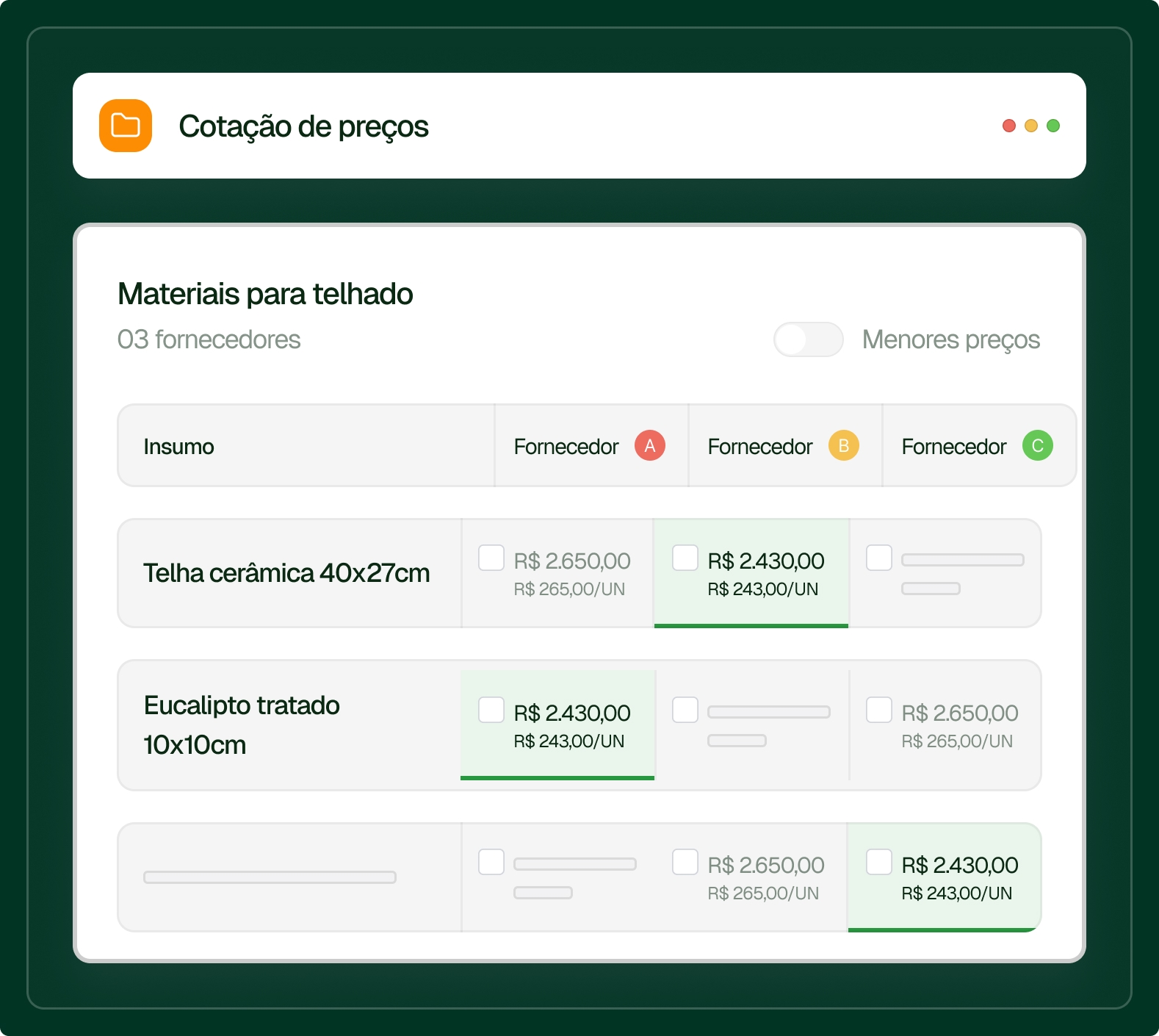
At purchase time, the system analyzes all the quotes made with suppliers and automatically indicates the most advantageous option.
Even combining different suppliers and freight for the same purchase order.
The buyer makes the best purchase decision in seconds. Without having to do that math anywhere.
ARCHITECTURE AND SCOPE

Home
Module

Indicators
Sub-module
Budgets
Sub-module

Projects
Sub-module

Pending items
Sub-module
Budgets
Module

Materials
Sub-module

WBS
Sub-module

Materials
Sub-module

Quotes
Sub-module
Projects
Module

Information
Sub-module

ABC curve
Sub-module

Acquisitions
Sub-module

Rentals
Sub-module

Services
Sub-module

Invoices
Sub-module

Management
Sub-module

Indicators
Sub-module

Registrations
Module
CPUs
Sub-module
WBS
Sub-module

Suppliers
Sub-module

Clients
Sub-module
Acquisitions
Module

Requests
Sub-module
Purchase orders
Sub-module
Receipts
Sub-module
Rentals
Module
Requests
Sub-module

Rental orders
Sub-module
Measurements
Sub-module
Services
Module
Requests
Sub-module

Service orders
Sub-module
Measurements
Sub-module
RESULT
WHAT I LEARNED
This was the project that taught me the most about architecture and scope.
A single piece of data changed on one screen would ripple through 300 different flows, so everything had to be tied together from the start, not adjusted after the problem showed up.
That taught me to reuse information for real.
Every piece of data that enters the system needs to make sense, because it can become valuable somewhere you never imagined when you designed the screen where it was captured. That logic is what guided treating CPU and EAP as permanent assets of the builder, not as configuration isolated to each project.